Guides / WordPress, for marketers
Content on your WordPress site
With the plugin installed, you can write your atoms inside WordPress, where you already work, and Spectare assembles the right ones for each visitor. You can also start from the pages you already have, instead of a blank library.
Writing atoms in WordPress
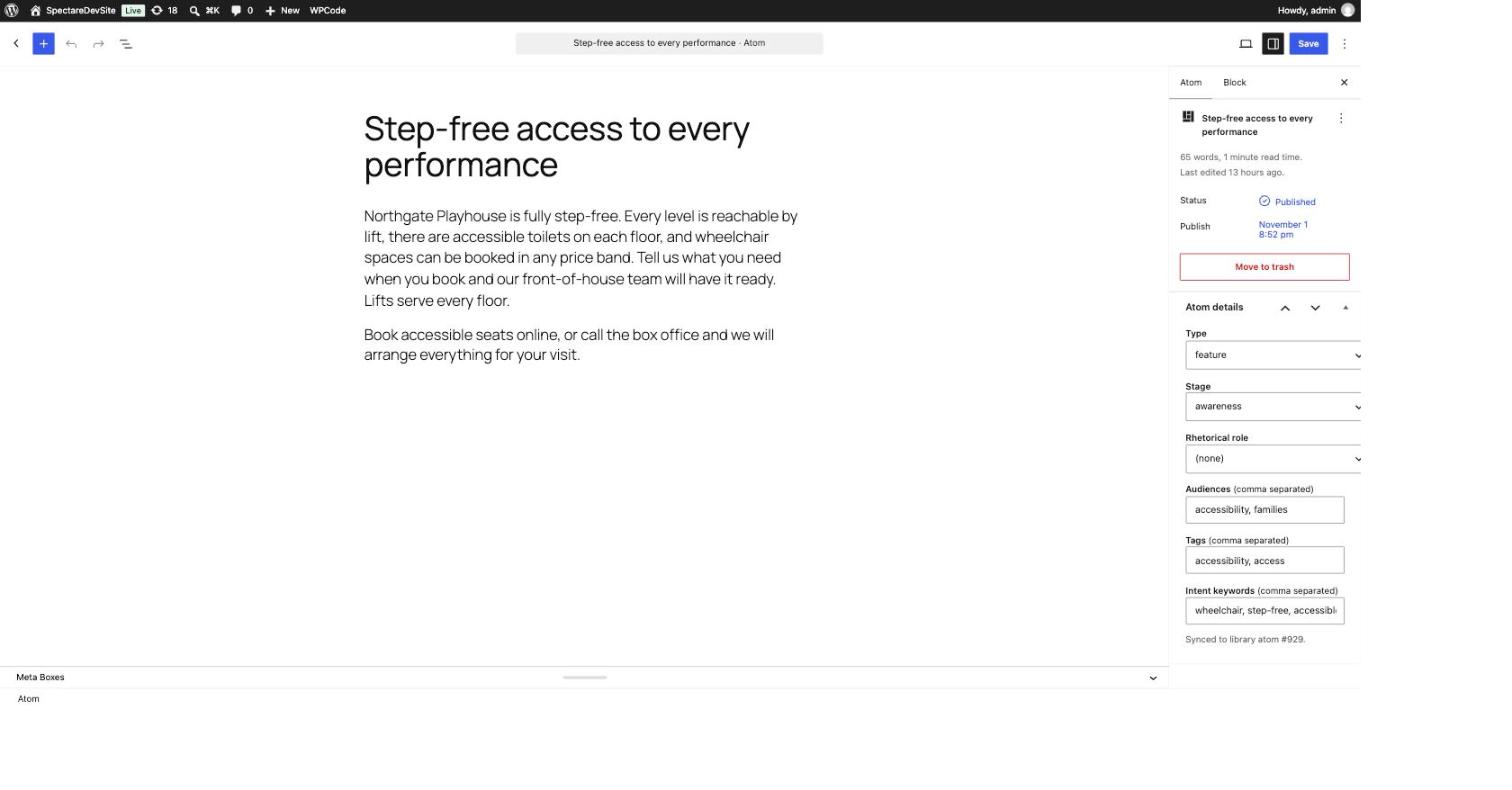
The plugin adds a Spectare Atoms area to your WordPress dashboard, so you never have to leave your site to write content. Write an atom, publish it, and it appears in your Spectare library, ready to be assembled for visitors. WordPress is the source of truth: edit and re-publish, and the same atom updates, never a duplicate.
Spectare Atoms, Add Atom
in your WordPress dashboard
Write the body, set the details
type, audiences, stage, tags
Publish
Mirrored into your Spectare library
ready to be assembled for visitors
Published in WordPress, live in your library. Re-publishing updates the same atom, never a duplicate.
- 01
Open Spectare Atoms, Add Atom
In your WordPress dashboard, find Spectare Atoms in the left menu and choose Add Atom. It is the editor you already know.
- 02
Write the body and set the details
Write the content in the editor. In the Atom details panel, pick a type, and add the audiences, stage, tags and intent keywords that say who this content is for. These are the signals Spectare matches a visitor against.
- 03
Publish
Publishing sends the atom to your Spectare library. There is nothing else to copy or sync. Edit the atom later and re-publish, and the same library atom updates, never a duplicate.
Prefer the Spectare admin? You can still write and review atoms there instead. Either way, the writing rules and the draft-to-published review workflow are the same, see the content guide. Installing the plugin and setting your workspace slug and API key is a one-time step in the WordPress developer guide.
Getting a head start
You do not have to write your first atoms from scratch. Spectare can read your existing WordPress pages and draft a starting library from them, in two ways:
Your site's URL was given at signup
no action from you
Settings, Spectare Import
scan any time your site changes
Draft atoms, ready for you to review
Both land as drafts in the same review queue you already use.
For the full mechanics, limits, and troubleshooting, see importing your existing content.
Reviewing imported drafts
An import never publishes anything on its own. Every atom it produces arrives as a draft in your normal review queue, alongside anything written by hand. Open one and you will see exactly which page it came from and the sentence it was grounded in: read that against the original before you approve it.
Atom arrives as a draft
Source page and grounding quote attached
check the claim against the original
You add audience, stage, and a key stat
Approved, then published
only when you say so
The same states as anything you write by hand. See the content guide for the full workflow.
Keeping your library current
Only published pages are ever read, and each scan covers what exists at the time you run it. When you publish a new page, or add one to a menu, run the plugin scan again to bring it in. Nothing is re-imported automatically; a fresh scan is how the library catches up with your site.
Where your content appears
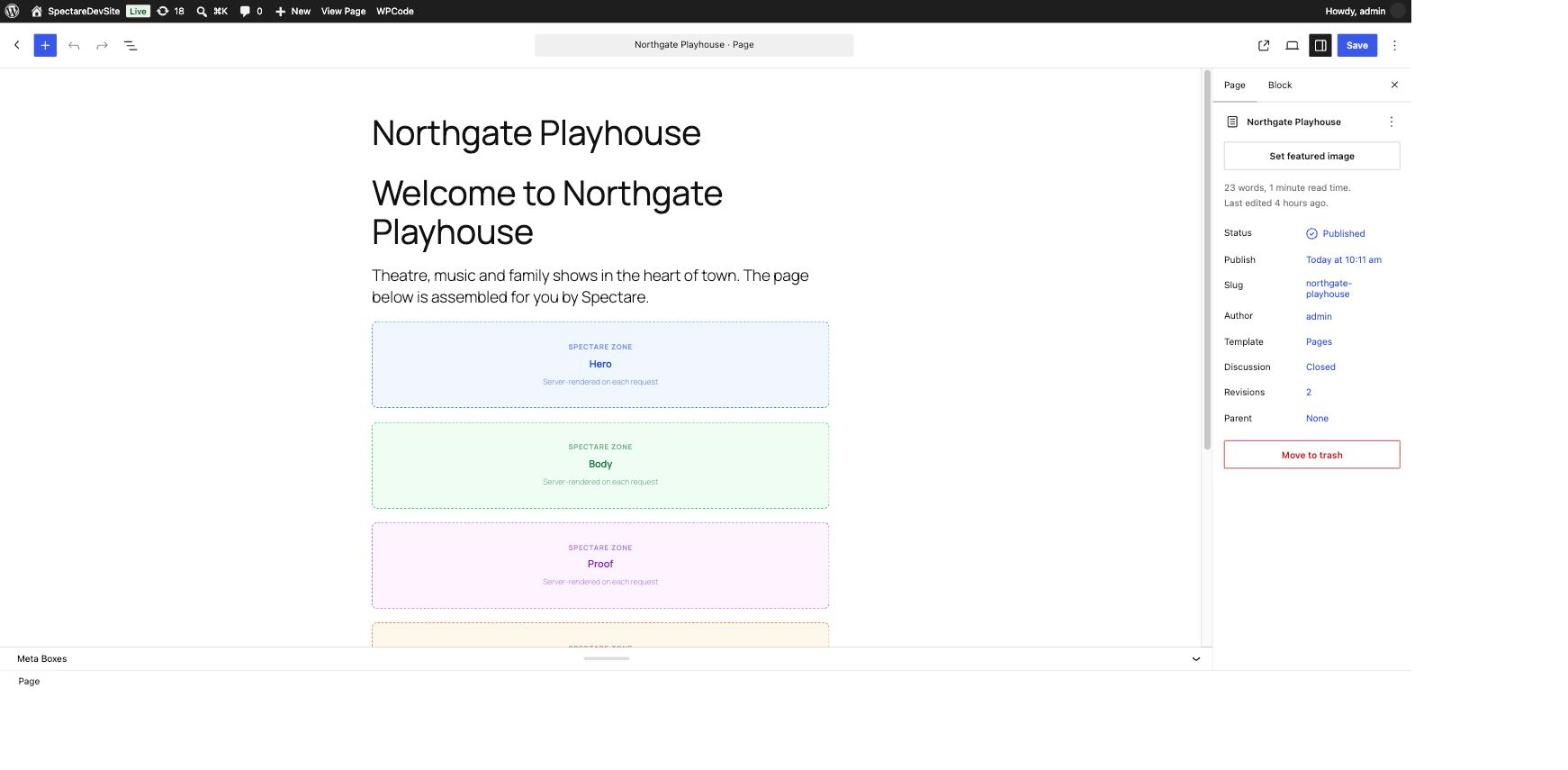
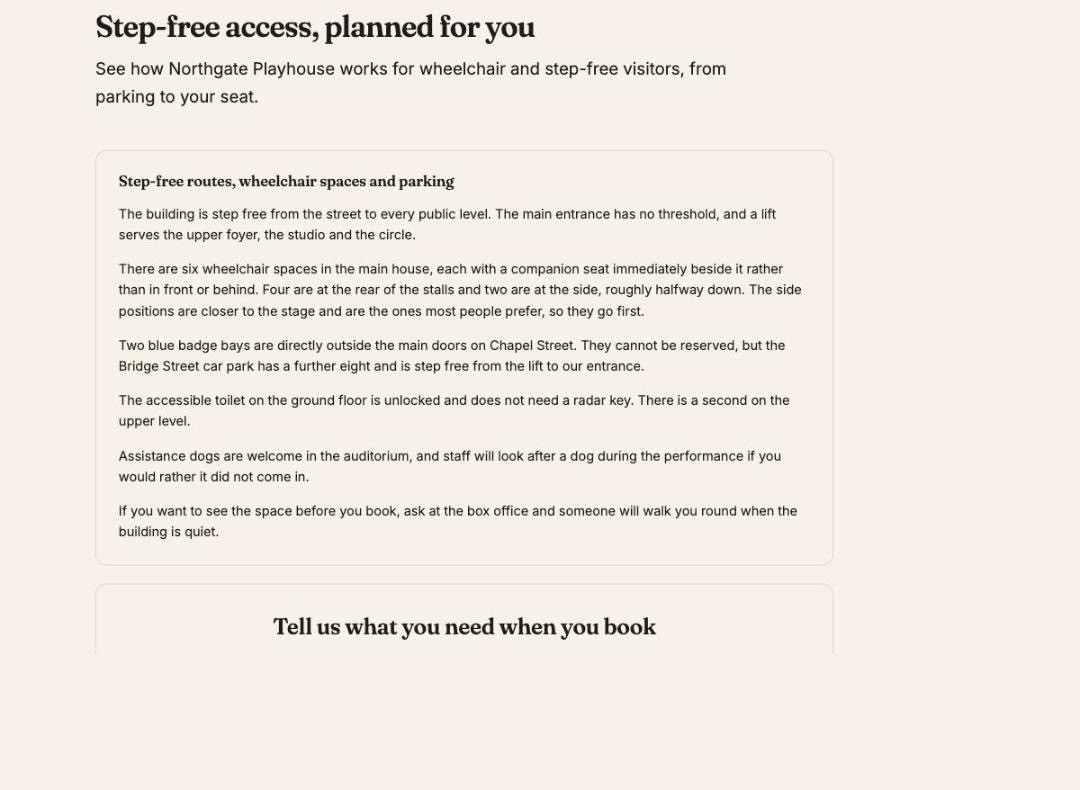
Add a Spectare Zone block to any page where it should adapt, hero, body, proof or cta, the same way you add any other block. What fills it is decided by Spectare per visitor from your published atom library: nothing is pinned to a spot, the assembly chooses which of your atoms fit this visitor. A family, a school group and a season-ticket holder hitting the same page each see different content. The caching details behind zones are covered in the WordPress developer guide.
Slots
fill in after the page loads
Zones
already rendered when the page arrives
Either way, the content itself comes from the same atom library you write and review.
Start writing
Open your Atoms library in the Spectare admin and review what is already there.